
EPFO simplifies PF claims; apply online from home
The Employees' Provident Fund Organization has simplified the PF claim process. Employees can now file claims online using their UAN and easily check their status from the comfort of their homes with OTP verification.
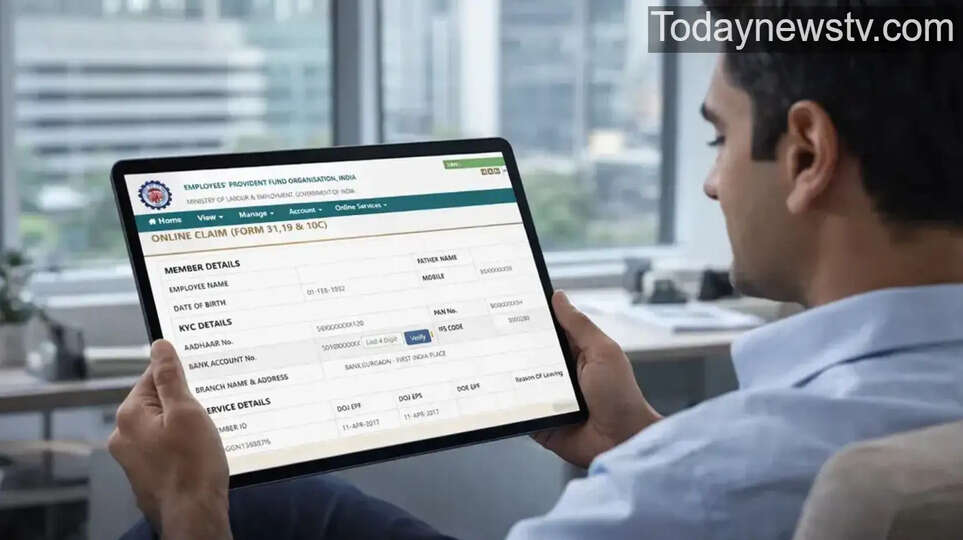
The Employees' Provident Fund Organization (EPFO) has simplified the PF claim process. Employees can now file their claims online from the comfort of their homes, saving both time and effort.
What is EPF and when can you withdraw the money?
EPF is a savings scheme in which a portion of a salaried individual's salary is deposited. This fund can be partially withdrawn if needed, or the entire amount can be withdrawn in case of retirement/unemployment.
Prerequisites for online claim
Here are some important things to ensure before making an online claim:
- UAN (Universal Account Number) should be active
- Aadhaar, bank account and PAN should be linked with UAN
- The registered mobile number must be active
How to make PF claim online
- Login to the EPFO portal using your UAN and password.
- Go to Online Services and select Claim (Form-31, 19, 10C, 10D)
- Select the claim form as per your eligibility
- Verify the claim using the OTP received on your Aadhaar linked mobile number.
- The claim process will begin upon submission.
How to check claim status
- Login to the UAN portal
- Click on Track Claim Status in Online Services
- Check your status by entering your reference number.
With the EPFO's online facility, filing PF claims has become easier and faster than ever. With the correct information and documents, you can withdraw your funds from the comfort of your home without any hassle.